
Paydays and income schedules
Each income keeps its own schedule, and Amppfy works out which payday comes next — that date decides which bills count against your number. Two incomes, one income, or a few uneven ones all work the same way.
Add an income
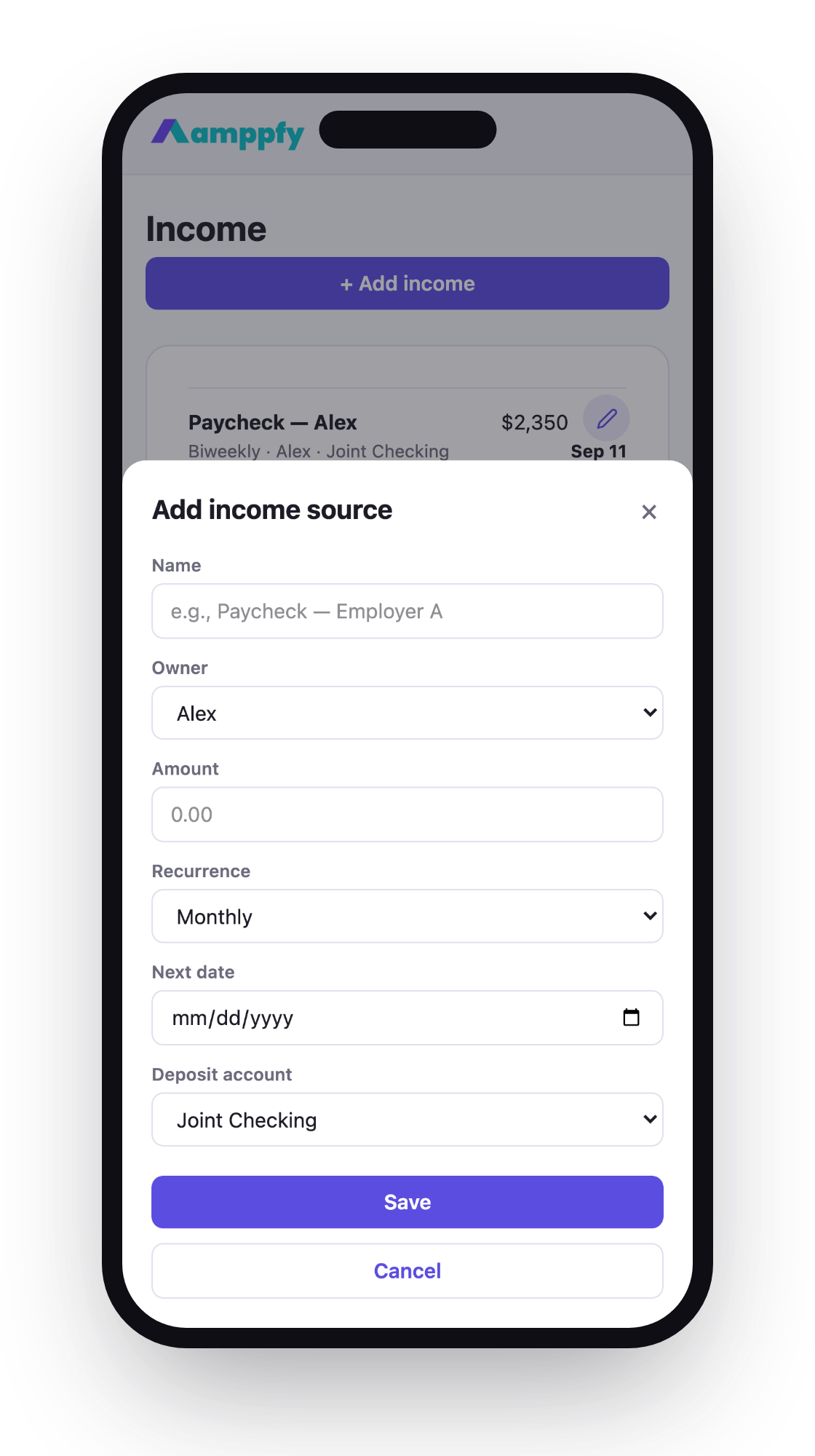
Section titled “Add an income”- Go to Income and choose Add income.
- Enter the take-home amount, the schedule, and the account the paycheck lands in.
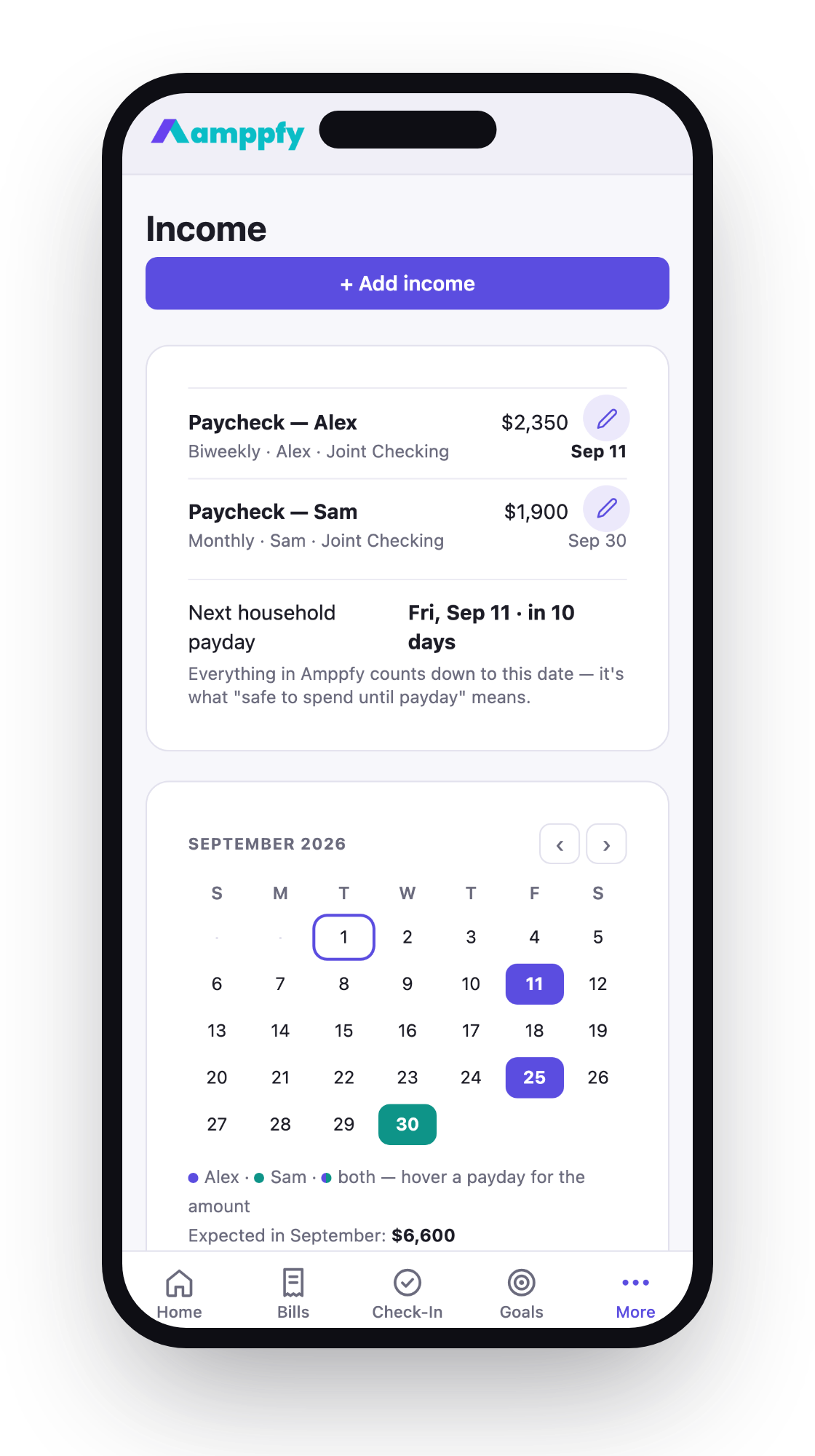
- Save. The income calendar shows every upcoming paycheck.

The schedules
Section titled “The schedules”| Schedule | How it lands |
|---|---|
| Weekly | Same day every week |
| Biweekly | Every two weeks from the date you set |
| Twice monthly | On the 15th and the 30th of each month |
| Monthly | Same date every month |
Your next payday is the earliest upcoming paycheck across all incomes in the household — that’s the finish line your Safe-to-Spend™ math runs to.
Irregular income
Section titled “Irregular income”If your income is uneven — tips, commission, gig work — enter the paychecks you’re reasonably sure about and leave out the ones you aren’t. Amppfy calculates from what’s confirmed, so the number stays conservative on purpose. When extra income lands, add it and the number moves up.
Was this article helpful?Thanks — glad it helped.Thanks for telling us — we use this to decide what to rewrite next.