
Create your account
Amppfy is free. Signing up needs an email address — nothing else. There’s no credit card to enter, and Amppfy runs on the balances you type in.
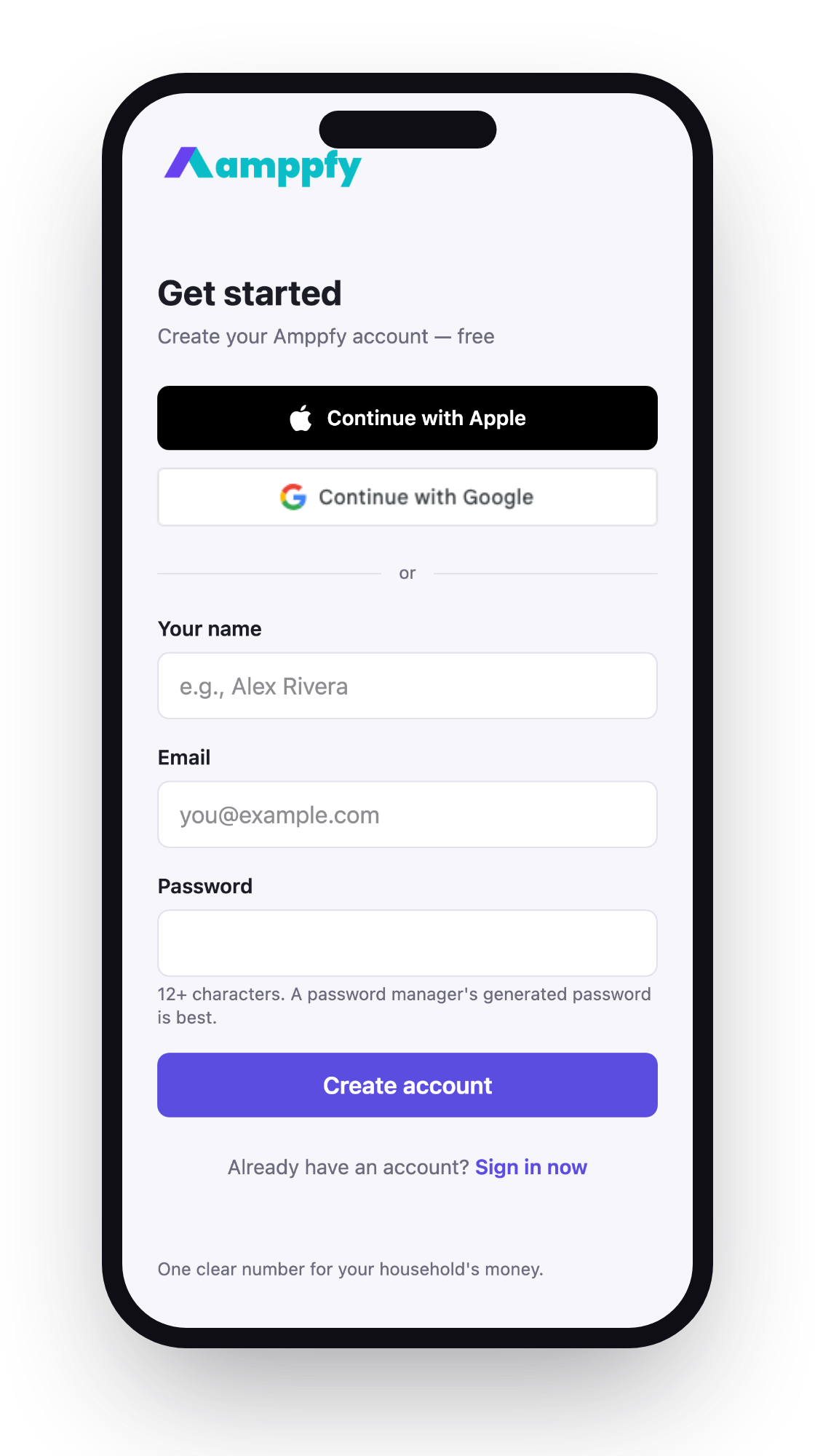
- Install Amppfy from the App Store on your iPhone.
- Open Amppfy and choose how to sign in:
- Sign in with Apple — one tap with Face ID or Touch ID.
- Continue with Google — one tap with your Google account.
- Email and password — enter your email and choose a password. We’ll send you a code to securely finish signing in.
- You’ll land in the setup walkthrough next: Set up your household.
More in Get the app and sign in.
- Go to app.amppfy.com/signup.
- Choose how you’d like to sign in:
- Sign in with Apple or Continue with Google — one click.
- Email and password — enter your email and choose a password. We’ll send you a code to securely finish signing in.
- You’ll land in the setup walkthrough next: Set up your household.
One account, every screen
Section titled “One account, every screen”Whichever way you sign up, it’s the same account on your iPhone and on the web. Use the same sign-in method on each device and your household is simply there. See Use the iPhone app and the web together.
Signing in later
Section titled “Signing in later”Open the app, or go to app.amppfy.com/signin, and use whichever method you signed up with. If you forget your password, use the reset link on the sign-in page — we’ll email you a secure link.
What you’re asked for — and what you’re not
Section titled “What you’re asked for — and what you’re not”Your email, and a way to sign in. That’s it. You’re not asked for account numbers or routing numbers: you type balances in yourself, about 30 seconds each. Read more in Account & security.